
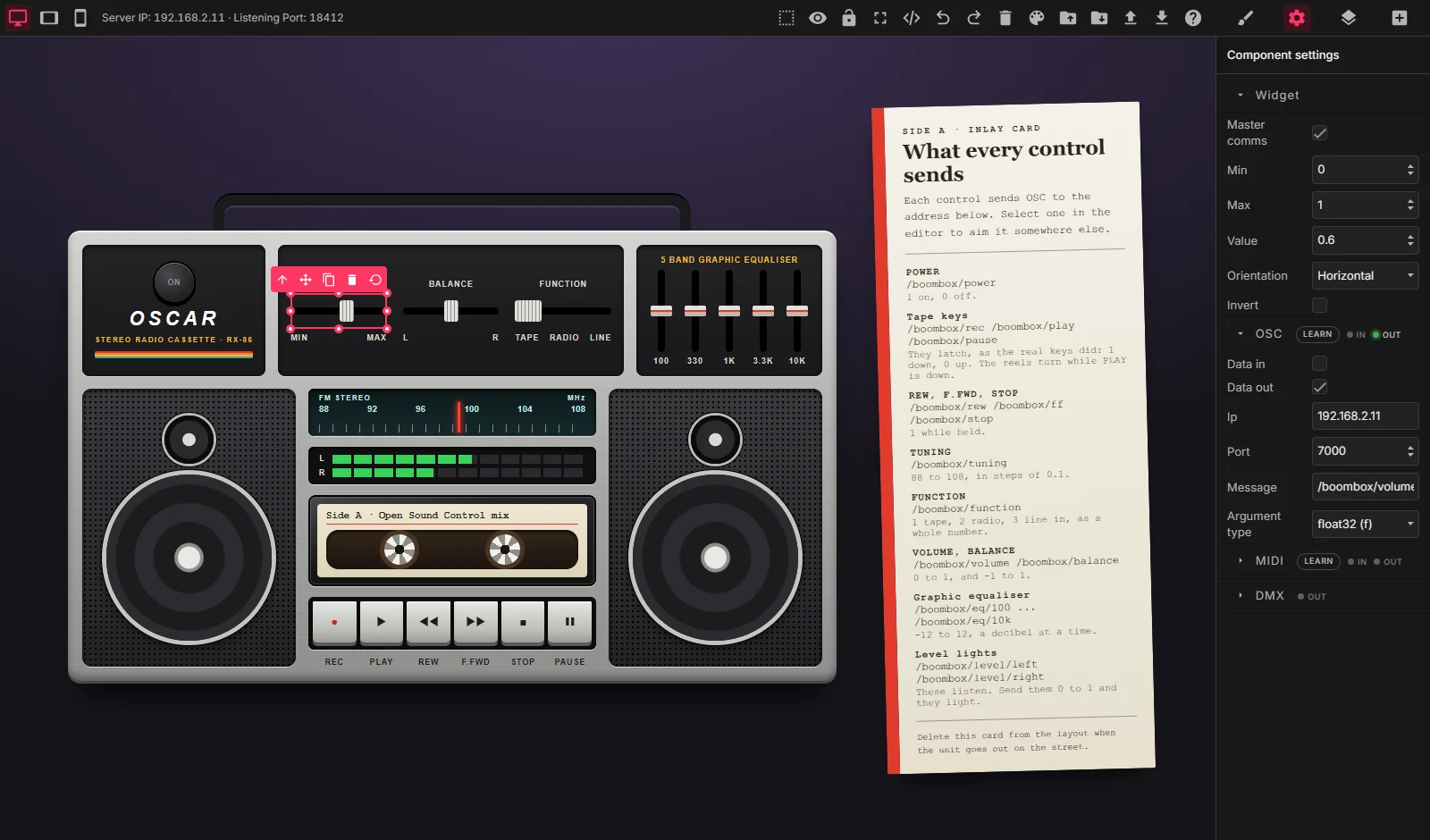
Create beautiful interfaces to control interactive installations
Design a control surface in your browser, open it on any phone or tablet, and control video, lighting and sound systems over OSC.
Responsive
One design for every screen. The same surface works on a phone, a tablet and a desktop: any device with a browser, iOS or Android, can control your installation.
Multiple devices, multiple users
Open your interface on several devices at the same time, and let several people play with your installation at once.
Customizable
Your own logos, images, colours and custom code, to deliver something made for your users and your clients.
Three protocols, from one widget
Every fader, button, pad and colour picker can speak OSC, MIDI and DMX at once. Tick what you need in the widget's settings.
Talk to your software
Send to Resolume, TouchDesigner, QLab, Ableton and anything else that speaks Open Sound Control. It runs both ways: a widget can follow what your software reports back. Click Learn, send a message, and the widget takes its address.
Talk to your gear
Control change, notes, program change and pitch bend, out to any MIDI port. Coming in, a knob on a controller moves a widget. Learn binds it: touch the control and the port, channel and number fill themselves in.
Drive lights directly
Art-Net and sACN straight from OSCAR, with no lighting desk in between. A fader is a dimmer, a pad is pan and tilt, a colour picker is three channels of RGB.
From the editor to a phone in one click
Publishing turns your surface into a page of its own, served by OSCAR on your network. Scan the QR code and it is on the tablet: no app to install, nothing to configure.
- Works on any device with a browser, on the same network.
- Every device showing a surface stays in step with the others.
- Lock OSCAR so tablets can operate a show but not edit it.
- Your projects and everything they send stay on your own computer and network.
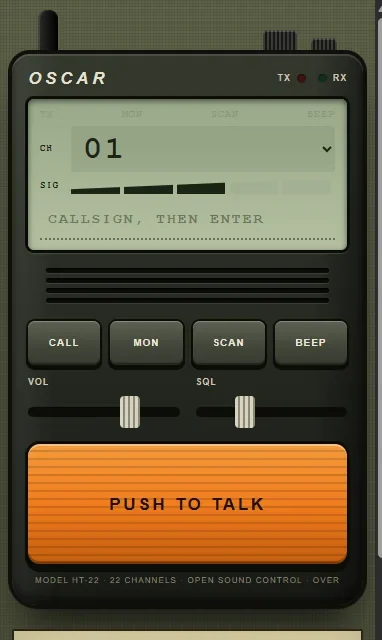
Start from something that already works
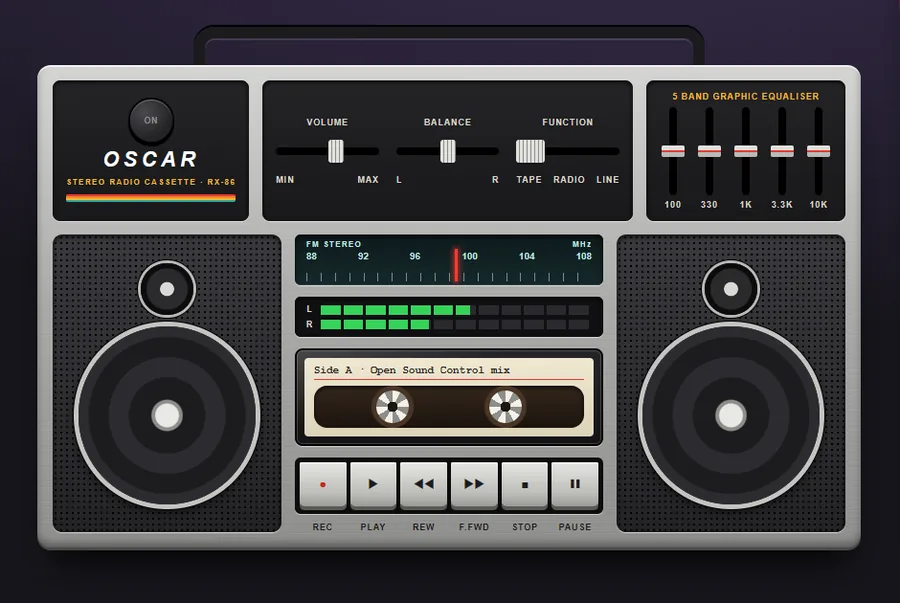
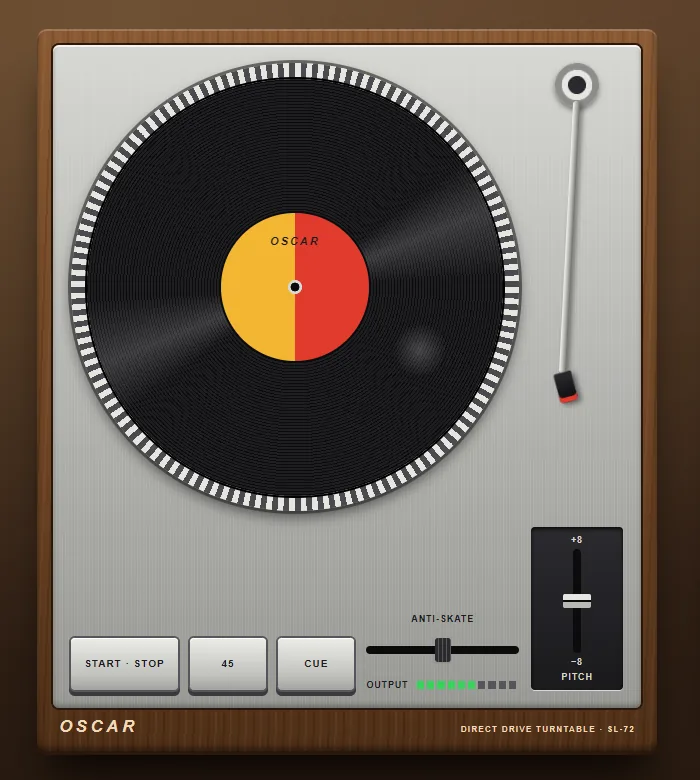
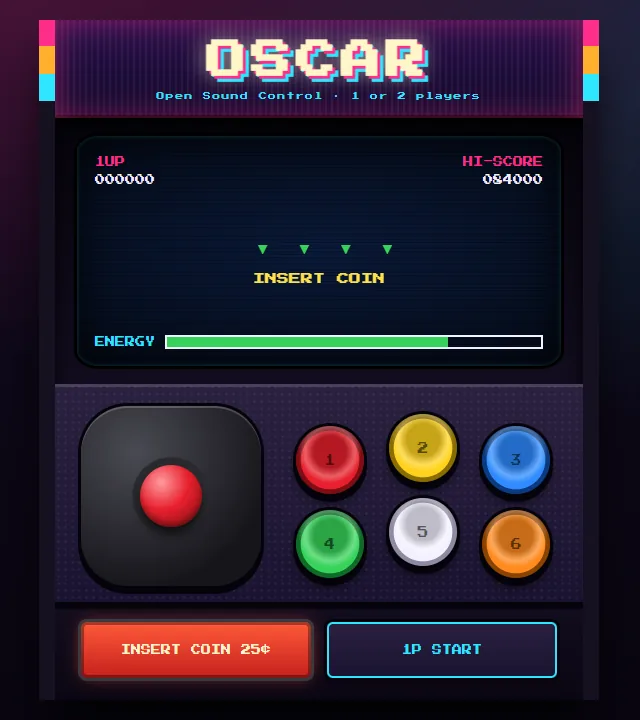
OSCAR 2.1 ships with templates you can open from Load and make your own: consoles, lighting desks, media remotes, and a few objects built entirely from OSCAR widgets, HTML and CSS. Every key, knob and fader sends.
Free for 30 days, for the first 500 accounts
OSCAR is free and open source, and stays that way. OSCAR Pro adds the things an installation needs once it is out in the world and you are not standing next to it.
Public surfaces
Let visitors use a surface from their own phone, on mobile data, without joining your Wi-Fi. They scan a code; there is no app, and nothing at the venue is opened to the internet.
Schedules
Lights on at opening time, everything off at night. Set a control at a fixed time, on the days you choose, in the installation's own time zone, with nobody there.
Status
Is the installation alive, and is anyone using it? A page that answers the question you have about a piece you are not standing next to.
How it will work: when OSCAR 2.1 is out, open OSCAR and sign in with Google or Discord. No card, no payment details. After 30 days the account goes back to the Free Tier by itself, and nothing is charged.
The trial is limited to the first 500 accounts, one per person or organisation, and is offered at our discretion: we may decline or end a trial, for example for automated sign-ups or if we run short of capacity. The details are in the terms.
How it works
Download
Run OSCAR on the computer that runs your show, or on any computer on the same network. It opens in your browser.

Design
Drag and drop your controls onto the page. Build dashboards, interactive stories and multimedia apps for one device or several.
Control
Control devices on the same network, wired or wireless. All a widget needs is an IP, a port and a message. Start controlling.
Works with anything that speaks OSC
These are some of the applications people control with OSCAR:
- Resolume Avenue and Arena
- TouchDesigner
- QLab
- Ableton Live
- Max/MSP/Jitter and Max for Live
- Apple Logic Pro
- REAPER
- Pure Data
- Processing
- openFrameworks
- vvvv
- VDMX
- Modul8
- TroikaTronix Isadora
- SuperCollider
- NI Reaktor
- Renoise
- OSCulator
- ...and more
“Easy to use, easy to prototype”
Tell us what you think
OSCAR is free and open source, and contributors and supporters are very welcome. Share your project with us, report a problem, or suggest a feature.